Running the business
Bringing your data in
Fixmo imports customers, suppliers and inventory from CSV, Excel or JSON. Column names are matched to fields for you, duplicates are detected, and you can import everything at once or go row by row correcting as you go.
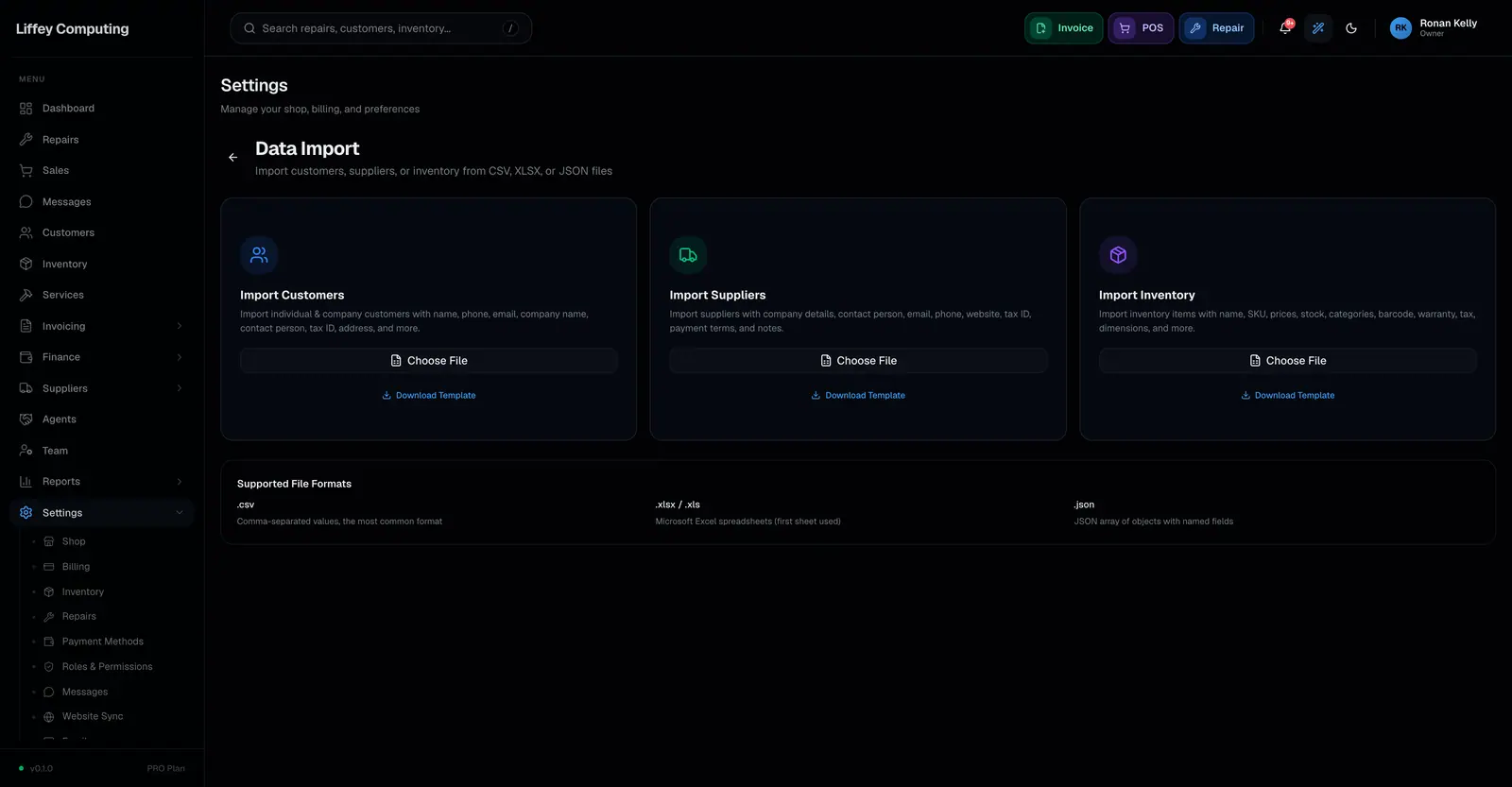
What it does
Nobody starts from nothing. There is always a spreadsheet, and it is never in the shape a system expects.
Fixmo matches your column headings to its fields rather than demanding a template. A column called Mobile finds the phone field.
Two modes. Bulk brings everything in at once, which suits clean data. Guided walks row by row so you can correct as you go, which suits the spreadsheet you actually have.
Duplicates are caught during the import: customers by phone, suppliers by name.
Inventory imports respect your plan's item limit, and rows that fail are listed with the reason rather than stopping the run.
Every capability
| Formats | CSV, Excel and JSON |
|---|---|
| Imports | Customers, suppliers and inventory |
| Column matching | Your headings matched to fields |
| Preview | See the mapped data before committing |
| Bulk mode | Everything at once |
| Guided mode | Row by row, editable as you go, with range selection |
| Duplicates | Customers by phone, suppliers by name |
| Plan limits | Inventory imports respect your item limit |
| Errors | Listed per row with the reason, skippable |
| Permission | Controlled per import type |
Questions
Does my spreadsheet need to match a template?
No. Fixmo matches your column headings to its fields, and shows you the mapping before anything is imported.
What happens to rows with problems?
They are listed with the reason and can be skipped or corrected. One bad row does not stop the import.
What if a customer already exists?
Duplicates are detected on phone number and flagged rather than created twice.