Running the business
Reports
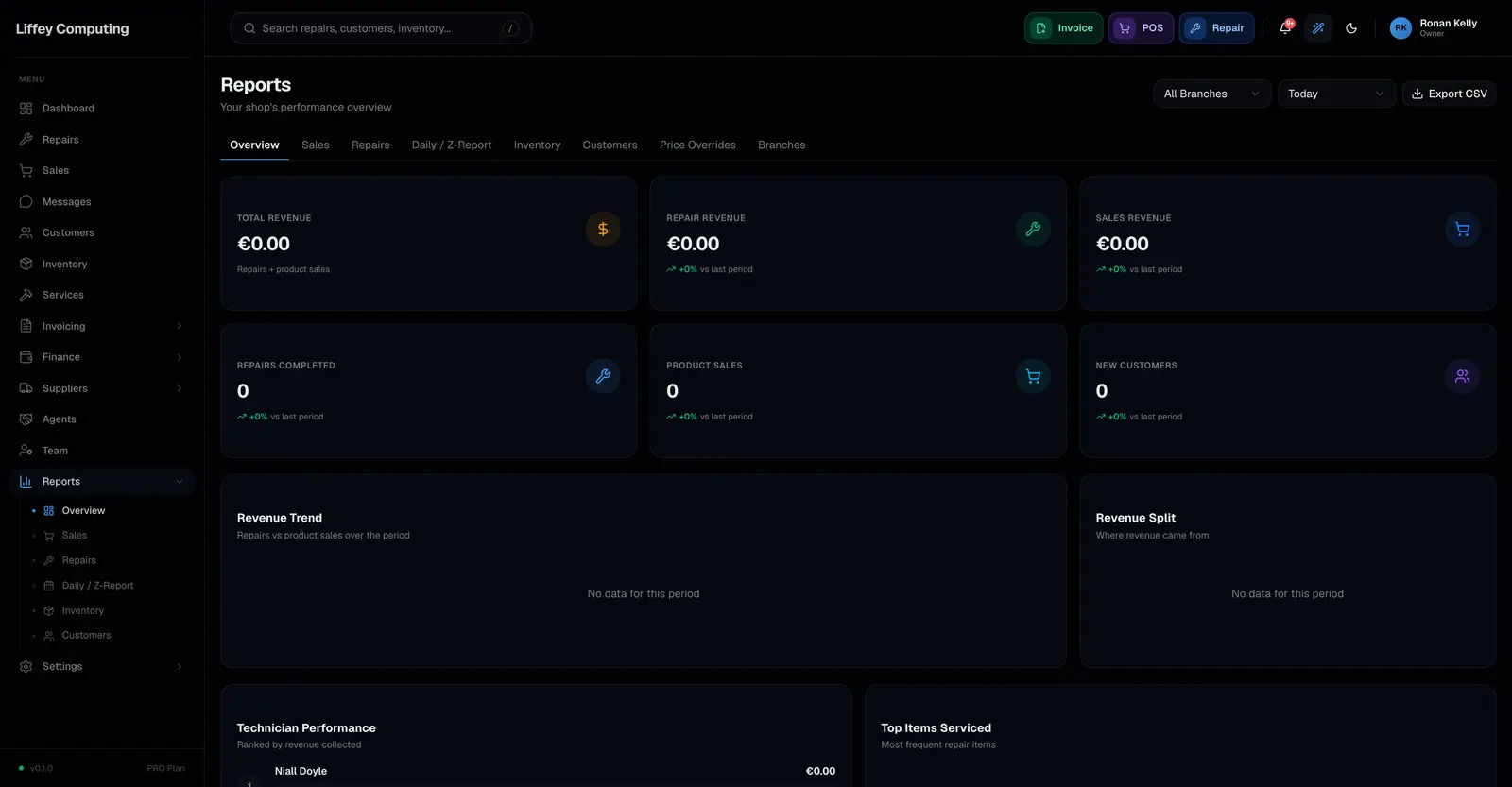
Fixmo has an overview plus six focused reports: daily takings, sales, repairs, inventory, customers, branches, and a report of every price override. Each filters by date range and by branch.
What it does
One dashboard trying to answer every question usually answers none of them well. The questions a shop actually asks are separate and deserve separate pages.
The daily view is the one most shops open first. What came in today, across repairs and sales.
The others go deeper. Sales by period and by product. Repairs by stage, technician and turnaround. Inventory by value and movement. Customers by spend. Branches side by side.
The overrides report is the unusual one. It lists every line sold for something other than its list price, which is the report most systems do not have.
Every report filters by date and by branch, and what you can see follows your role.
Every capability
| Overview | Revenue, repairs and sales at a glance |
|---|---|
| Daily | What came in today |
| Sales | By period, product and method |
| Repairs | By stage, technician and turnaround |
| Inventory | Stock value and movement |
| Customers | By spend and activity |
| Branches | Compared side by side |
| Overrides | Every discount given, with who gave it |
| Filters | Date range and branch on each report |
| Scope | What you see follows your role and branch |
| Plan usage | Repairs, sales, inventory and seats against your plan limits |
Questions
Can I build my own report?
Not today. There are seven reports with date and branch filters. For questions outside them, the assistant reads your data directly and answers in plain language.
Can I export a report?
Reports are read on screen and can be printed. There is no scheduled email export.
Does a manager see other branches?
No. A manager's reports cover their own branch.