Stock
Product variants
A variable product is a parent with its own variations underneath it. Each variation carries its own cost, sell price, wholesale price, stock, serial numbers and suppliers. Picking a variation happens wherever the product is used, from the till to a purchase order.
What it does
A case for one phone model in six colours is not six products. It is one product with six variations, and treating it as six is how a catalogue becomes unusable.
The parent holds the name and the main description. Each variation holds the numbers, because a black one and a clear one can genuinely cost different amounts and sell at different rates.
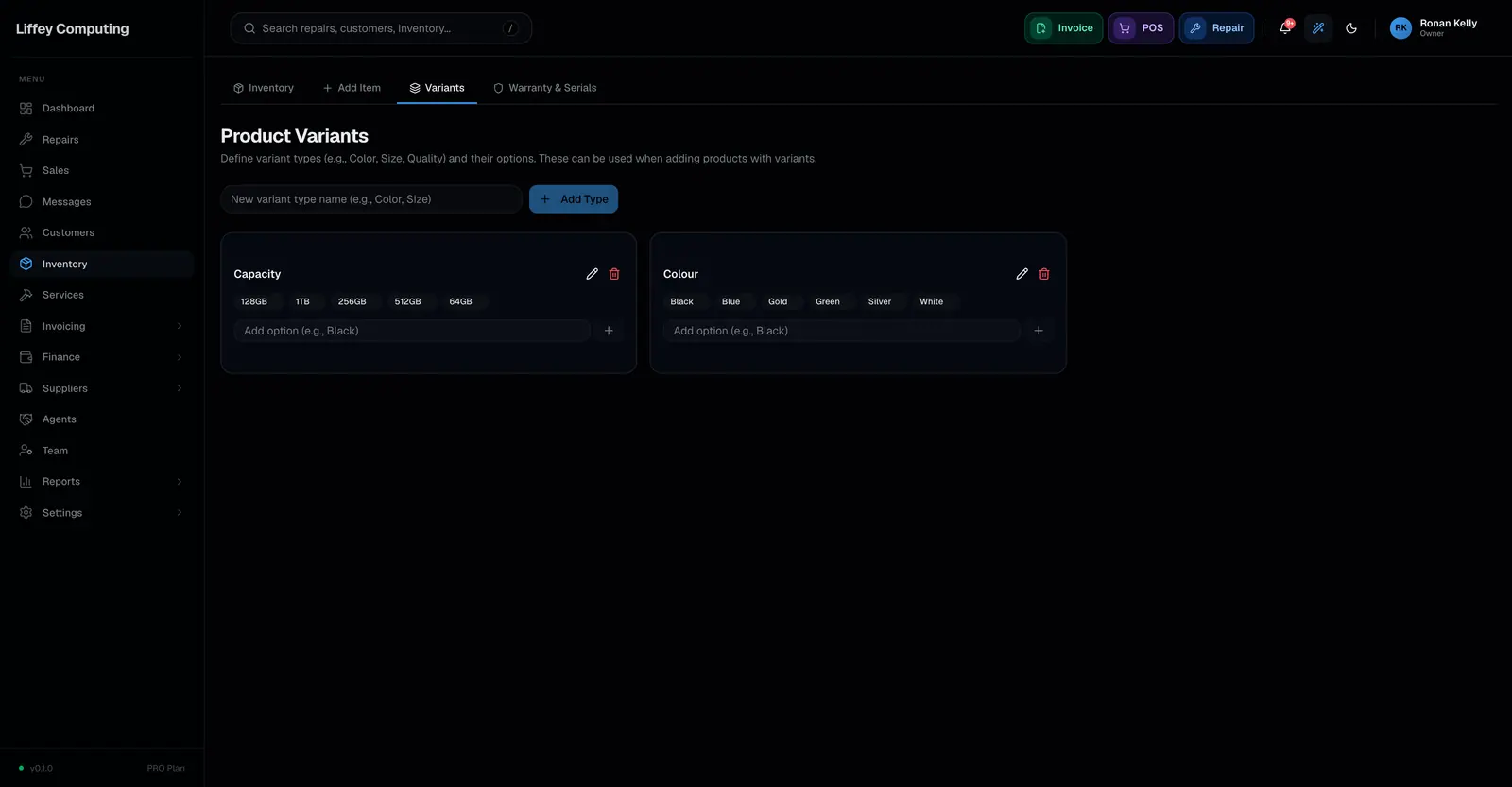
Variant types are yours. Colour, size and quality grade are the obvious ones. Add your own if your stock needs them.
Anywhere a variable product is added, the variant picker opens first. That is true at the till, on a repair, on an invoice, on a quotation and on a purchase order, so the thing that leaves stock is the thing you meant.
A variation can have its own photo, added next to its price. The variant picker shows it, and Website Sync sends it to your website. A variation without one shows the product's photo.
It can have a description of its own as well, up to 5,000 characters, for what is true of that one alone. Website Sync sends that too.
A variation is named after its product, so the black case is "Phone case - Black" on a receipt or a report. Rename the product and every variation follows. The picker still just says Black.
A simple product skips all of this and goes straight in.
Every capability
| Types | Simple products go in directly. Variable products have variations |
|---|---|
| Variant types | Your own, defined per shop, with their own options |
| Per variation | Cost, sell price, wholesale price and stock |
| Photo per variation | Optional. Without one it shows the product's photo |
| Description per variation | Optional, up to 5,000 characters |
| Variation name | The product's name, then the variation's |
| Serial numbers | Tracked per variation, not per parent |
| Suppliers | Linked per variation, with their own prices |
| Uniqueness | One variation per option on a parent |
| Picker appears in | Till, repairs, invoices, quotations and purchase orders |
| Cost on receipt | Weighted average, worked out per variation |
| SKU | Variations of the same parent may share the parent's SKU |
Questions
Can two variations have the same SKU?
Variations of the same parent product can share one SKU. Two unrelated products cannot, and Fixmo names the conflicting item if you try.
Can a variation have a different supplier from its parent?
Yes. Supplier links are per variation, each with its own price, so a colour you buy from a second supplier is priced correctly.
Do variations count towards my inventory limit?
Yes. Each variation is an item.
Can each variation have its own photo?
Yes, one each. Add it next to the variation's price when you create the product, or later from the Variants list on the Edit page. A variation without one shows the product's photo.
Can each variation have its own description?
Yes, up to 5,000 characters. Write it in the variation's row, under its serial numbers. The product's description stays the same for every variation.
Can I turn a simple product into a variable one later?
Yes. Change its type and add variations. Stock already recorded stays where it is.