Customers
The assistant
Fixmo includes an assistant that reads your repairs, stock, customers, sales and takings and answers questions about them in plain language. It can read every part of the shop and change none of it. Anything it cannot answer can go to Fixmo's support team from the same panel.
Everyone can use it with purchased AI credits. The free monthly allowance is narrower, and the page says exactly how narrow.
What it does
Reports answer the questions you thought to build a report for. The assistant answers the ones you did not.
It reads your actual data. Which repairs are waiting on parts, what a customer has spent, what stock is low, how last month compared to this one.
It reads and does not write. The assistant cannot change a repair, take a payment or edit stock.
It opens from Ask AI in the header, or with Ctrl+J. On a wide screen it sits beside the page, so the report you are asking about stays in view.
It has two modes. Fast answers everyday lookups in a few seconds. Advanced thinks longer for comparisons and harder questions, and costs more.
It is for the owner. Because it can read the whole shop, takings and cost prices included, it is off for every other role until the owner turns it on, and Fixmo warns before that happens. Someone given it later only gets the parts of the shop their permissions open.
The same panel has a Contact Support tab for writing to Fixmo's team, with screenshots or short videos attached.
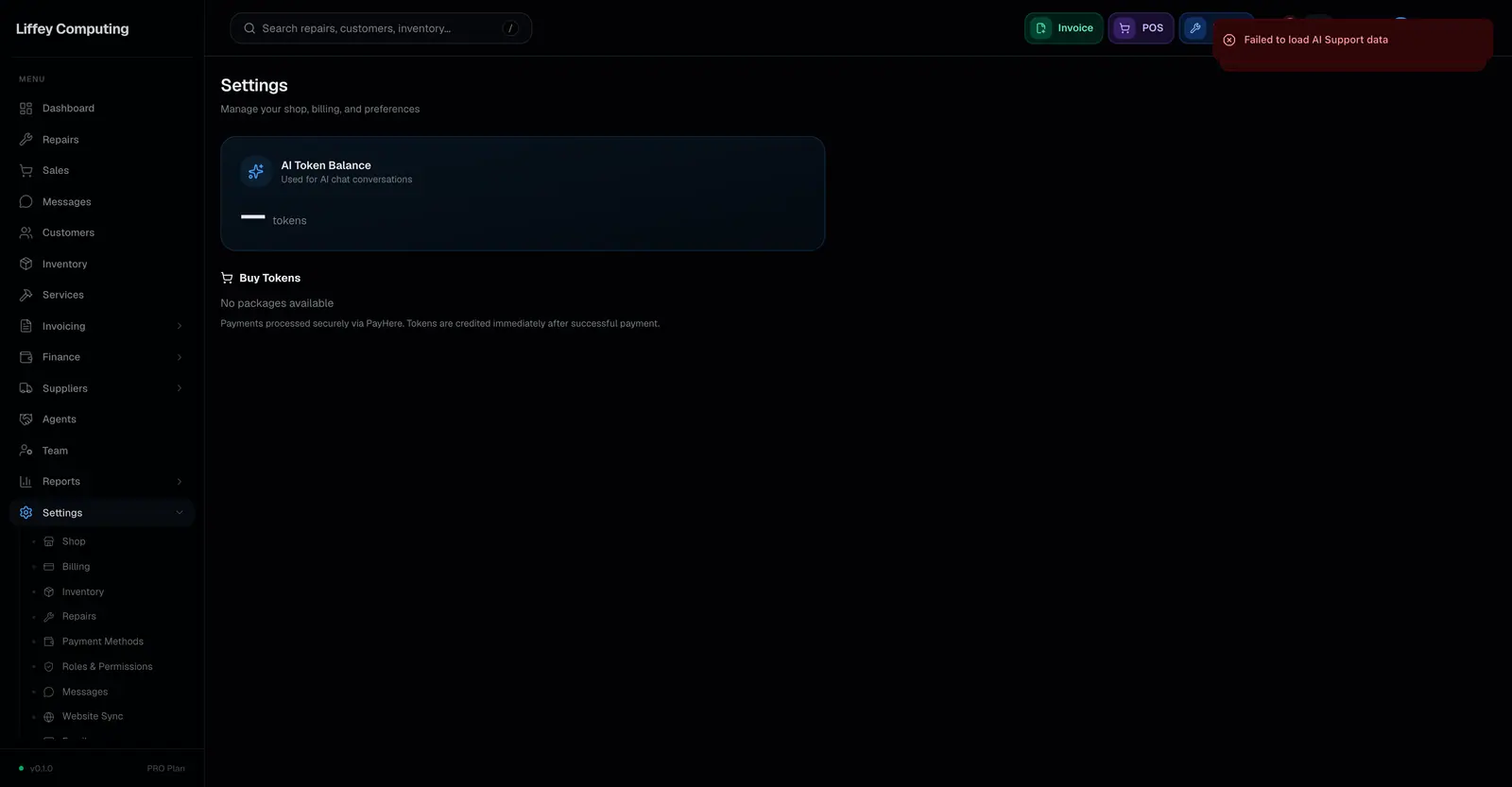
Usage is counted in AI credits, by what each answer took. An answer that fails is not charged. Settings lists every question with the tokens and credits it used.
Every capability
| Reads | Repairs, customers, stock, serials, sales, invoices, suppliers, expenses and messages |
|---|---|
| Writes | Nothing. It has no ability to change your data |
| Who can use it | The owner, and anyone the owner turns it on for after a warning |
| Modes | Fast for everyday lookups, Advanced for comparisons and harder questions |
| Opens from | Ask AI in the header, Ctrl+J or ⌘J, or Ask AI in search |
| Support | A Contact Support tab in the same panel, with attachments |
| States | Open, escalated, resolved, closed |
| Free allowance | A monthly amount for annual Pro and Business shops in their first year, shown in settings |
| Billing | AI credits, by what each answer took. A failed answer is not charged |
| Usage shown | Every question with its input, cached, reasoning and output tokens and credits |
| Expiry | Unused free credits are written off at the month boundary and do not roll over |
| Buying more | AI credit packages, available on any plan |
| Bought credits | A separate balance that does not expire |
| Spending order | The free allowance is spent first, because it is the pot that expires |
| Monthly limit | Optional, set by the owner in settings |
Questions
Who gets free AI credits?
Shops on Pro or Business that pay annually, for the first year of that subscription. The monthly amount is set per plan and shown in settings. Monthly subscribers and Free shops do not get the allowance, and can buy credit packages instead.
Do unused free credits roll over?
No. The remainder is written off at the start of each month and the allowance is refilled.
Can the assistant change something in my shop?
No. It reads your data and answers questions. It cannot edit a repair, take a payment or move stock.
What is the difference between Fast and Advanced?
Fast answers everyday questions, like which repairs are ready, in a few seconds and for few credits. Advanced uses a stronger model and thinks longer, for comparisons and questions that need several parts of the shop. It takes longer and uses several times the credits.
Can a technician ask it about takings?
Only if the owner gives them the assistant, and by default nobody but the owner has it. Even then, it only uses the parts of the shop that technician's permissions open, so takings stay out of reach if their permissions hide them. It does not yet keep to one branch.
What happens if it cannot answer?
Switch to the Contact Support tab in the same panel and write to Fixmo's support team. You can attach screenshots or short videos, and the reply appears in Settings > AI Support.