On the bench and at the counter
Search across the shop
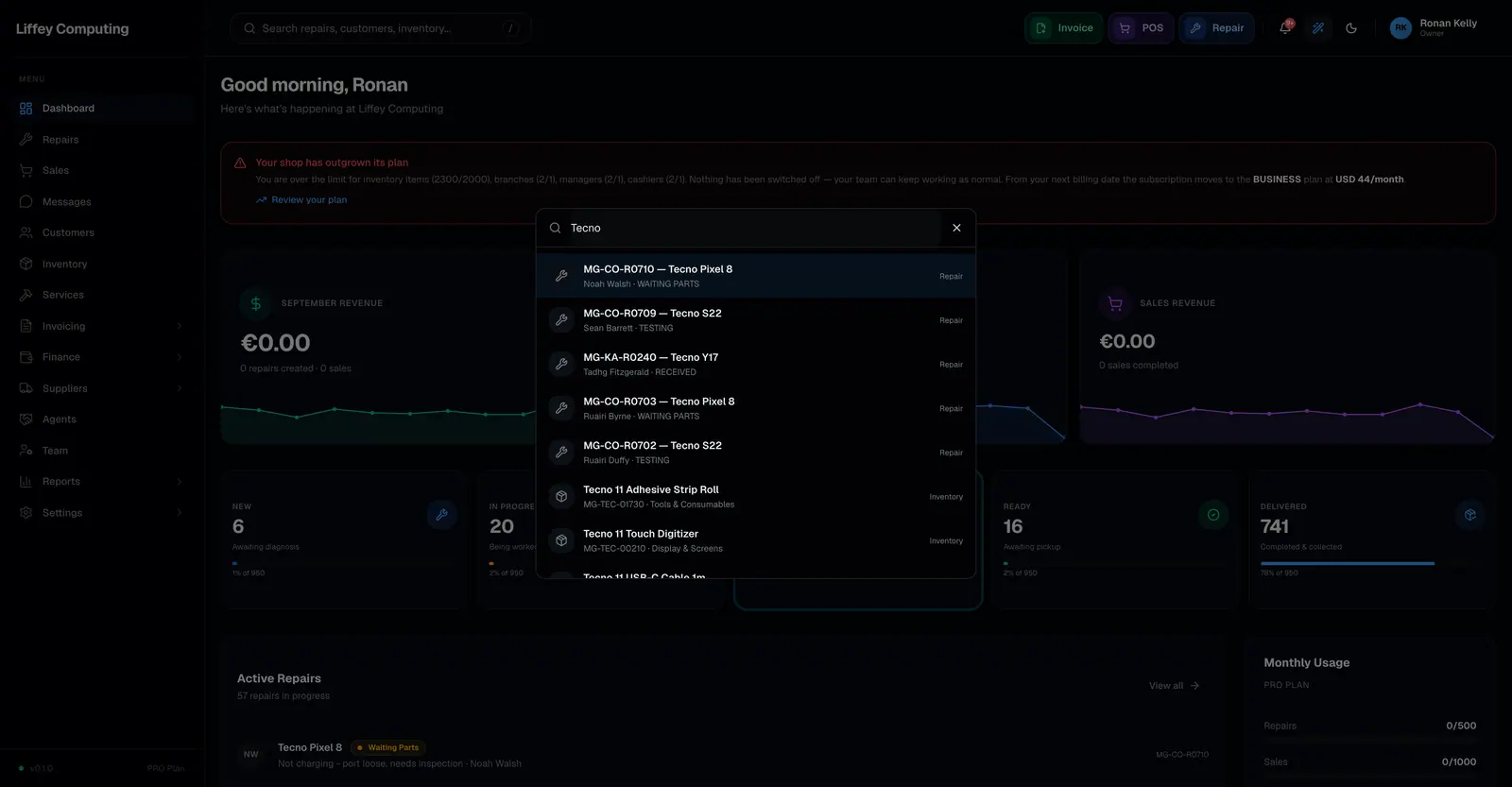
Pressing Ctrl+K anywhere in Fixmo opens one search box that looks across repairs, customers, inventory, sales, invoices, refunds and team members at once. Results are scoped to what your role and branch allow you to see.
What it does
A customer rings and gives you a phone number, or half a repair code, or the name of a part. You should not have to guess which page to open first.
The search runs across seven kinds of record in one query and groups the results by kind.
It is scoped on the server. A technician searching for an invoice gets nothing, because the query never looks at documents for them. The scoping is not a filter applied to the page after the fact.
Every capability
| Opens with | Ctrl+K or Cmd+K, or the / key, from any page |
|---|---|
| Searches | Repairs, customers, inventory, sales, documents, refunds, team |
| Matches | Names, codes, phone numbers, email addresses and SKUs |
| Scoping | Applied in the query, per role and per branch |
| Keyboard | Arrow keys move through results, Enter opens, Escape closes |
| Branch | A manager sees their branch, an admin sees all of them |
Questions
Can a technician find another technician's repair?
Only if their permissions allow it. Search applies the same scope rules as the pages themselves.
Can I search by phone number?
Yes. Customer matching includes phone numbers and email addresses.
Does it search inside notes?
It matches names, codes and identifiers. For anything deeper, the assistant can read your shop data and answer in plain language.