Money
Deposits at intake
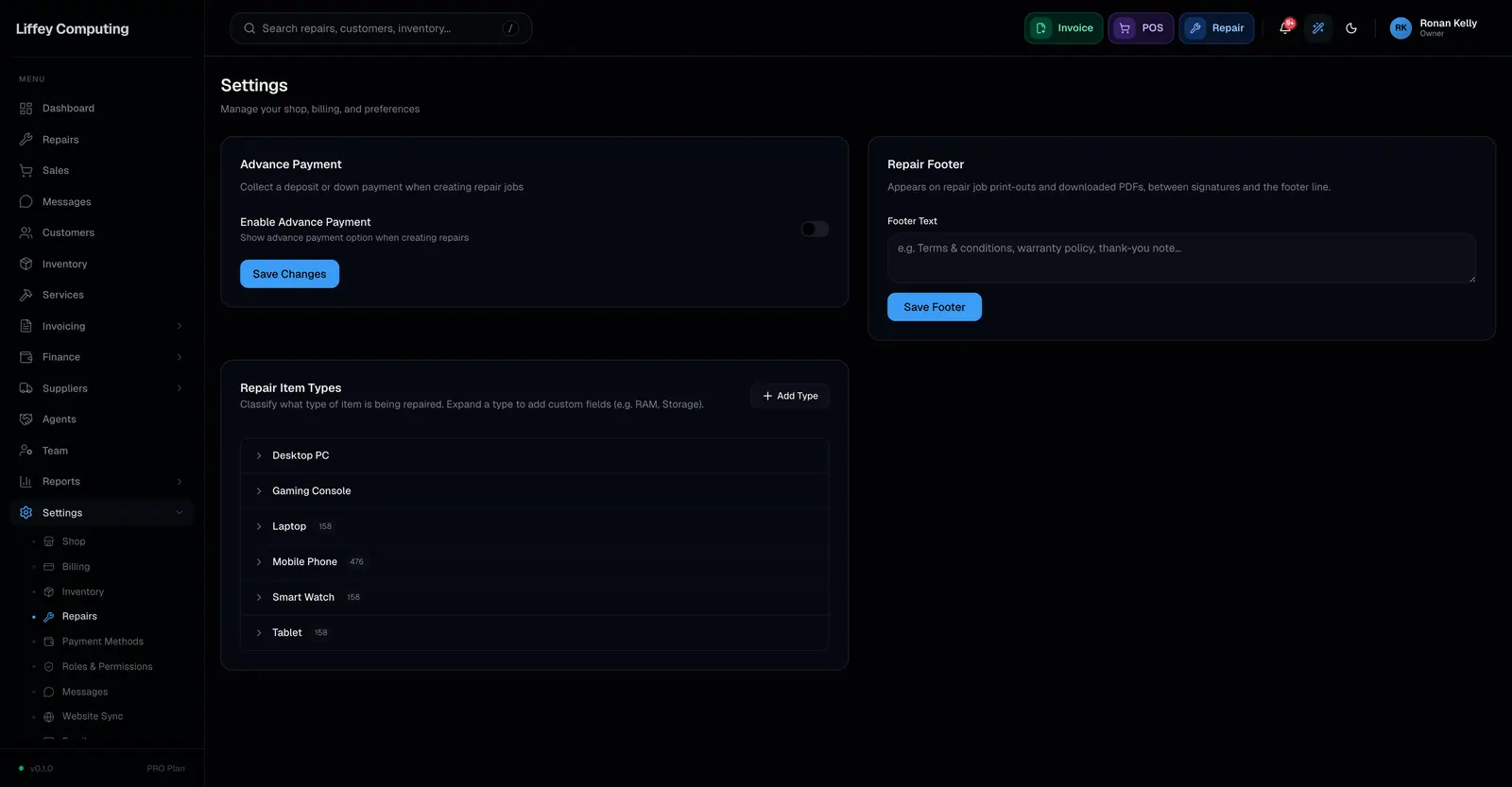
A shop can collect an advance payment when a device is booked in, as a fixed amount or a percentage of the estimate. It can be optional or required. The deposit counts against the repair total and the remaining balance is calculated for you.
What it does
Devices left uncollected are a real cost, and a deposit is the simplest thing that reduces it.
Turn advance payments on and set the default. A fixed amount suits shops with a standard diagnostic fee. A percentage suits shops where jobs vary widely.
You choose whether it is required or merely offered. Required means a repair cannot be booked without one.
The deposit is a payment like any other, so it records its method and the account it landed in, and the balance on the job comes down by that amount.
Every capability
| Switch | Turned on per shop |
|---|---|
| Type | A fixed amount, or a percentage |
| Default | An amount or percentage set once, editable per job |
| Required | Optionally enforced, so no repair is booked without one |
| Method | Any payment method, including custom ones |
| Account | Recorded, like every payment |
| Balance | Remaining amount worked out on the job |
Questions
Can I take a deposit larger than the default?
Yes. The default is a starting figure, not a limit.
What if the final price is lower than the deposit?
The job is in credit, and the difference is returned through the refund flow so a credit note is raised.
Can I turn deposits off for some jobs?
Set advance payments to optional rather than required and take one only when you want to.