On the bench and at the counter
Intake and custom device fields
Fixmo lets a shop define its own device types, and give each type its own intake fields. A laptop can ask for RAM and drive size. A phone can ask for network lock and screen condition. The fields appear on the intake form for that device type only.
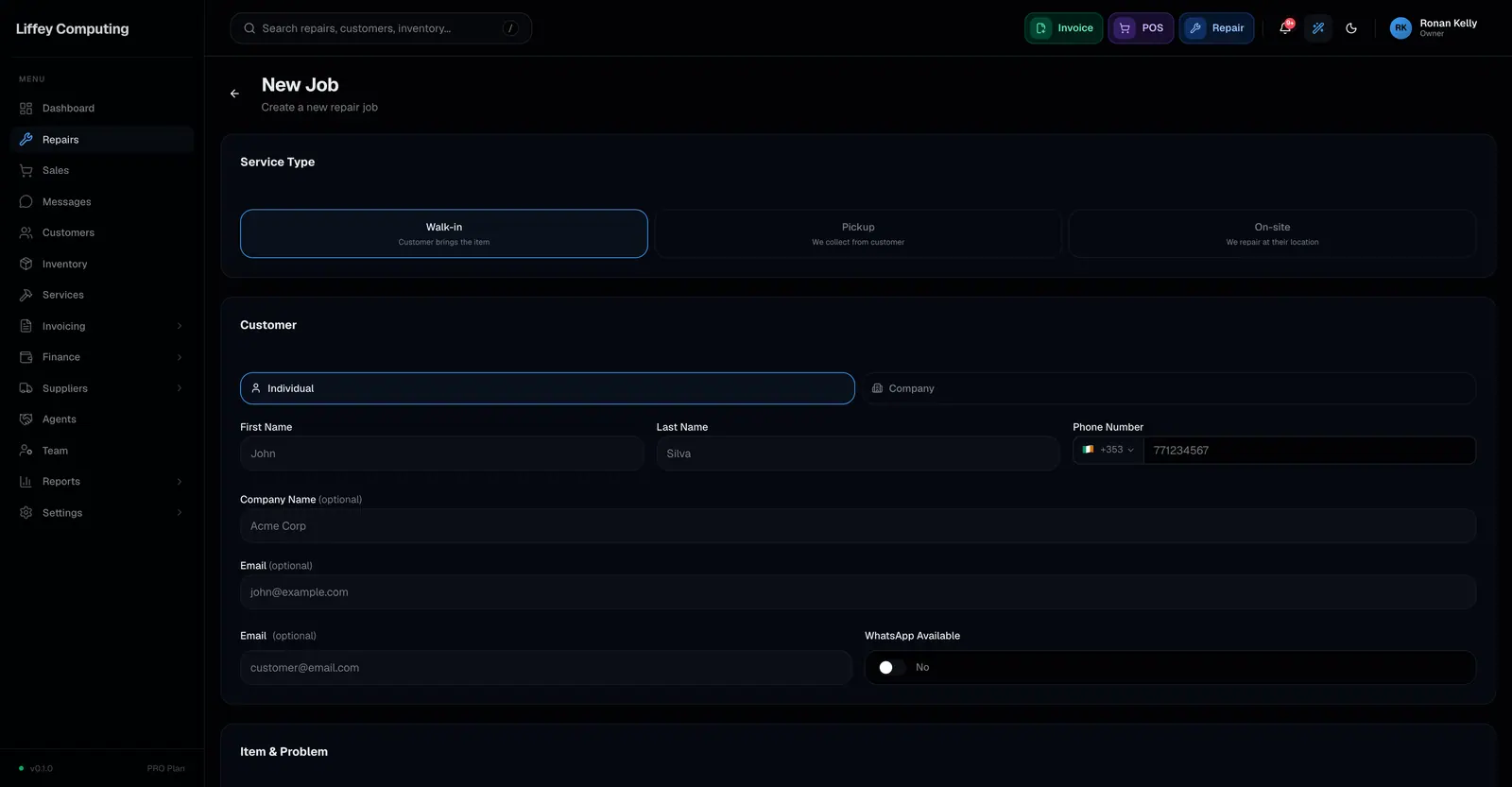
What it does
Intake is where most shops lose information. The device arrives, someone writes three words on a bag, and two days later nobody remembers whether the charger came with it.
Device types are yours to define. Phone, Laptop, Tablet, Console, whatever you actually take in. Each one carries its own list of fields.
A field can accept one value or several, so a laptop that arrives with a charger, a bag and a spare drive records all three rather than the first one that fitted.
Once a repair has a device type, you can filter and report on that type across every branch.
Every capability
| Device types | Defined per shop in settings, no fixed list |
|---|---|
| Custom fields | Any number per device type, in an order you set |
| Multiple values | A field can be marked to accept more than one value |
| Preset values | Offer a fixed set of answers so intake stays consistent |
| Applies to | The intake form for that device type only |
| Reporting | Filter repairs by device type in search and in reports |
| Photos | Up to 5 taken at intake, stored with the job |
| Deposit | Collected at intake, fixed amount or a percentage |
| Customer | Found by phone or email, with duplicate detection, or created here |
Questions
Do I have to set up device types before I can take a repair?
No. You can take repairs straight away and add device types later. Adding them is what turns the intake form from a blank box into a checklist.
Can I change a field after repairs have used it?
Yes. Existing repairs keep the values they were given. Renaming a field does not rewrite history.
What if the same field applies to several device types?
Add it to each type. Fields belong to a device type, which is what keeps a phone's intake form from filling up with laptop questions.
Where do I record a device passcode?
Not in a custom field. There is a separate encrypted field for passcodes and unlock patterns, and it is permission controlled.