Running the business
Keyboard and accessibility
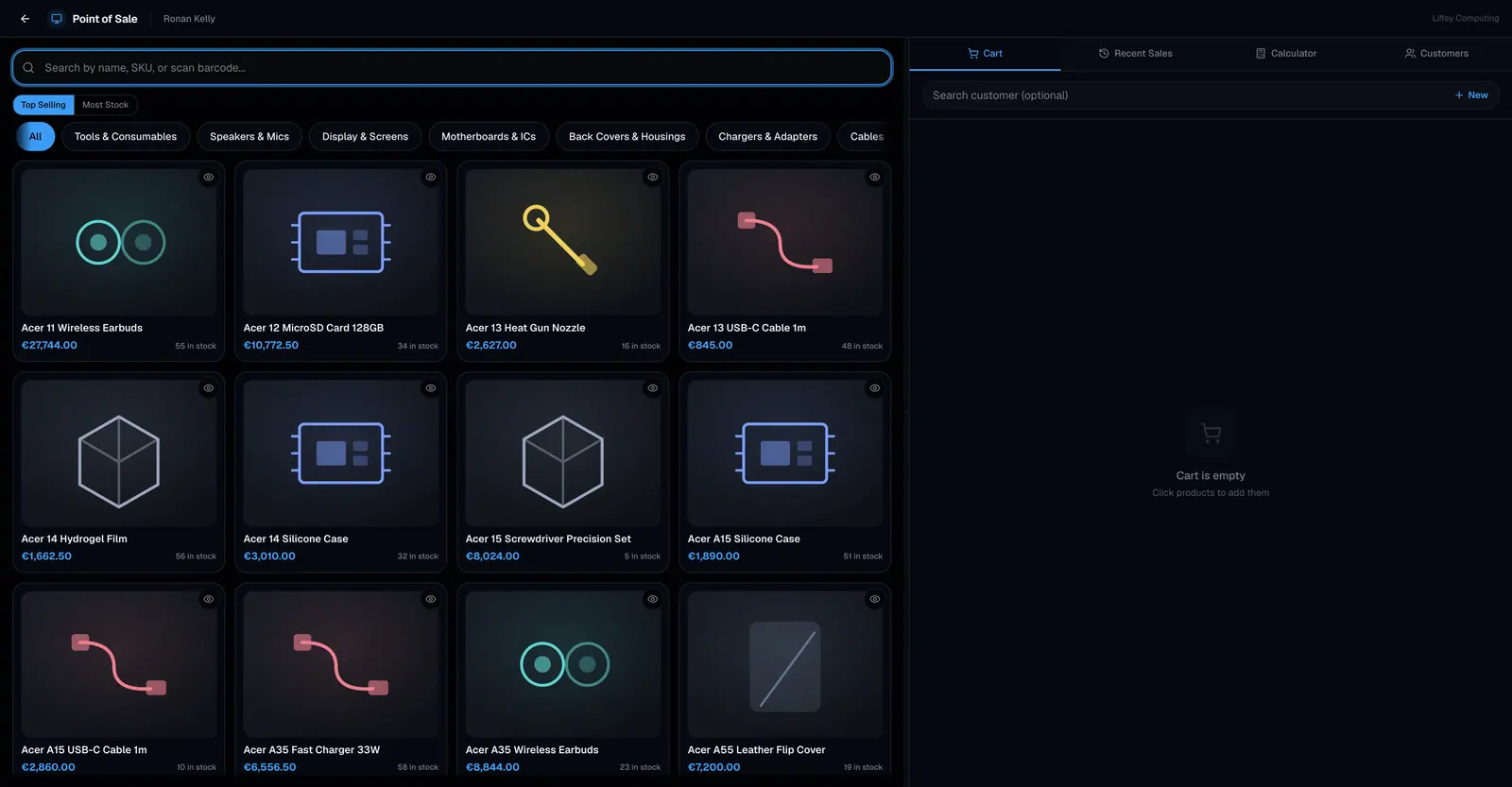
Fixmo can be driven from the keyboard. Ctrl+K opens search from anywhere. At the till, shortcuts focus the product search, open payment, start a new sale and move between the four tabs, and the calculator takes numbers directly.
What it does
At a counter with a queue, reaching for a mouse between every item is the slowest part of the sale.
The till is built for it. One key focuses the search, one opens payment, one clears the cart for the next customer, and four move between the cart, recent sales, the calculator and customers.
Search opens from anywhere with Ctrl+K, or the slash key when you are not typing in a field.
Arrow keys move through results, Enter opens, Escape closes. Dialogs, dropdowns and the search overlay all close the same way.
Focus is visible throughout, and elements carry the labels a screen reader needs.
Every capability
| Search | Ctrl+K or Cmd+K, or the slash key |
|---|---|
| Till search | Focuses the product search box |
| Till payment | Opens the payment dialog when the cart has something in it |
| New sale | Clears the cart and returns focus to search |
| Till tabs | Four shortcuts for cart, recent sales, calculator and customers |
| Calculator | Digits and operators typed directly |
| Navigation | Tab and Shift+Tab through everything interactive |
| Lists | Arrow keys to move, Enter to open |
| Escape | Closes dialogs, dropdowns and overlays |
| Focus | Visible on every interactive element |
| Screen readers | Labels and roles throughout |
| Scanners | Work as keyboards, so no driver is needed |
Questions
Which modifier do the till shortcuts use?
Control, and Alt also works. Command is deliberately left alone so browser shortcuts keep working on a Mac.
Can I use a barcode scanner?
Yes. Scanners type like a keyboard, so there is nothing to install.